 Modern UI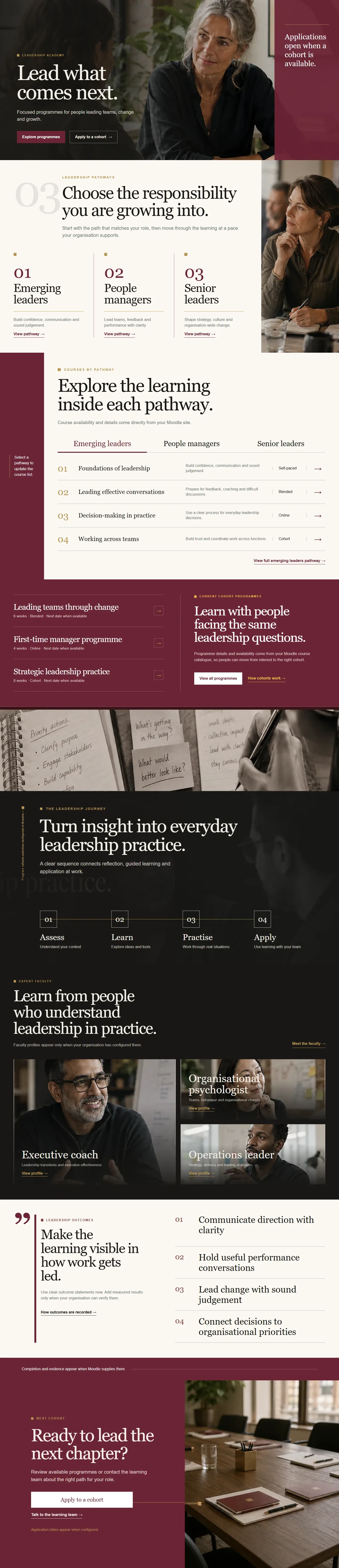
Start with your audience
What kind of Moodle experience are you building?
Choose an industry to jump directly to its planned template collection.Interactive product preview
Inspect the design before you choose.
Switch between all three Modern UI templates, light and dark presentation, and three responsive sizes.Enterprise Skills HubCorporate Training
Preview statusPreview available
Preview modesLight · Dark · 3 screens
Implemented template library
Real pages.
Ready inside Modern UI.
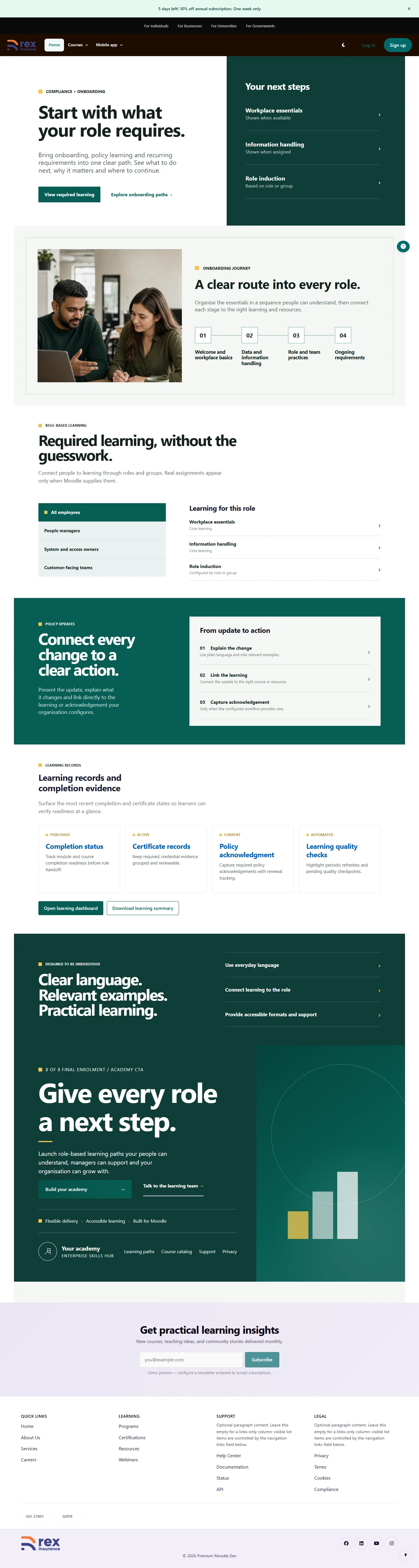
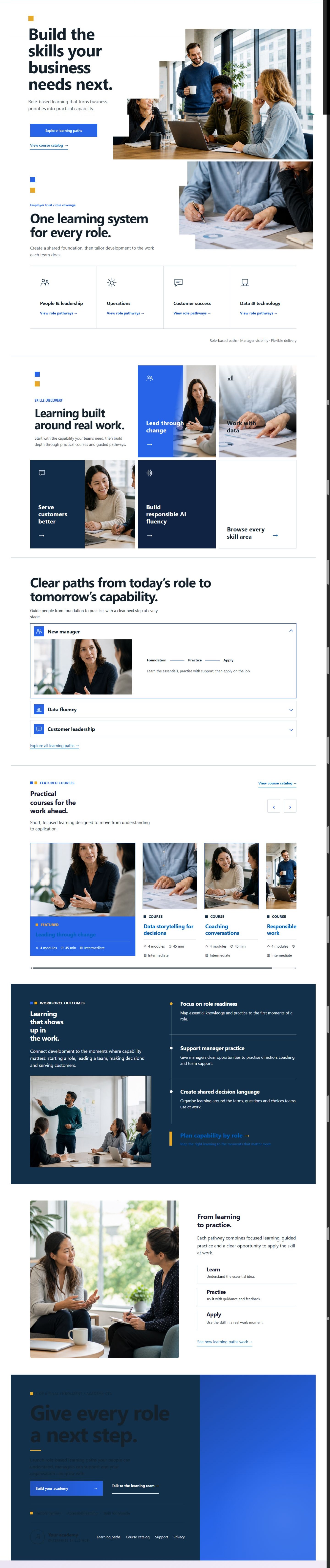
Explore every template currently implemented in the Modern UI theme. Each preview below is generated from the real template catalogue, not a planned concept or placeholder.
50 templates available: Premium includes the selected landing-page templates and their required blocks. Platinum includes the complete template and block library.
More than a homepage
Every Moodle screen can
speak your visual language.
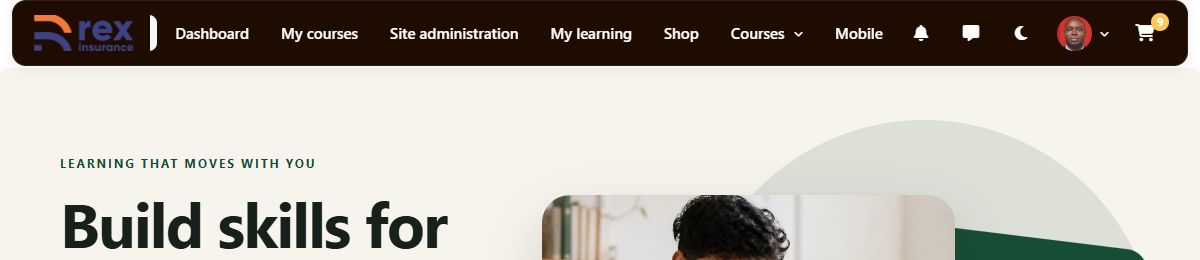
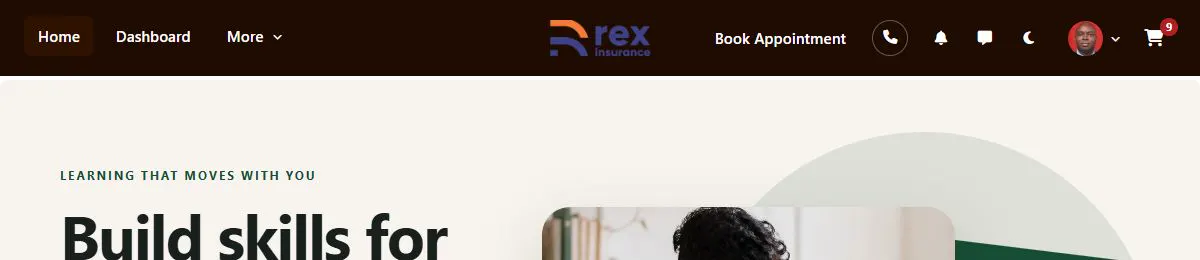
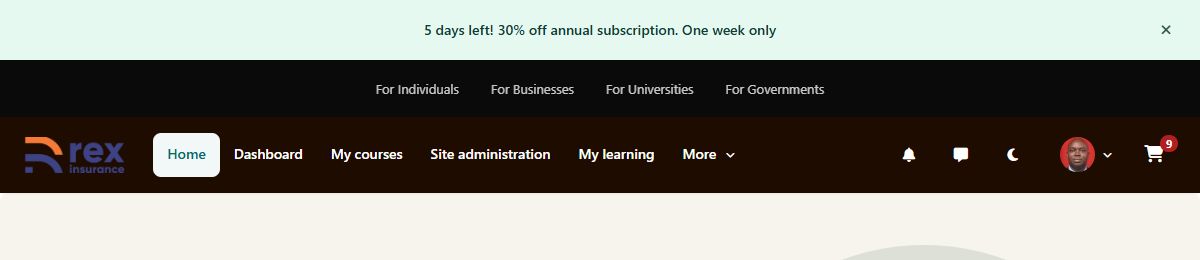
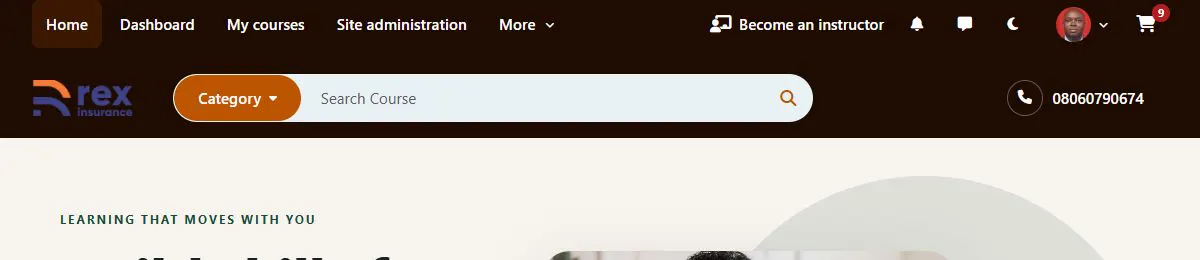
placeholder-header-05-default-moodle-navbar.pngplaceholder-header-06-mega-menu.pngplaceholder-header-07-course-commerce.pngplaceholder-header-08-educational.pngplaceholder-header-09-institution.pngplaceholder-header-10-transparent-hero.pngHeader 1 of 10
Ten desktop headers, eight mobile approaches, and nineteen footer patterns let administrators fit the interface to corporate learning, education, coaching, or course commerce.
One experience, every screen
Designed to stay clear
at every size.


Designed for the platform you already run
A complete interface system, delivered as a Moodle theme.
Brand system
Color roles, contrast controls, six starting palettes, and flexible typography.
Navigation system
Desktop, mobile, and footer choices with responsive behaviour designed for each variant.
Learning surfaces
Dashboards, catalogues, login compositions, profiles, course cards, and page templates.
Operational foundation
Boost child theme, no core edits, offline-safe defaults, and reduced-motion support.
Choose your collection
Start with the theme.
Expand when you need more.
Purchase through Moodle Marketplace, then use the same email to enter your library on modernui.dev. There are no licence keys.
Theme only
The full Modern UI theme and every built-in interface option. Core contains no templates or block plugins.
- Modern UI theme
- 9 theme-native login layouts
- Brand and accessibility controls
- Marketplace updates
Theme + premium library
Everything in Core, plus Premium templates and the standalone blocks those templates need.
- Everything in Core
- Premium template library
- Required Premium blocks
- Premium documentation
Everything, plus specialist packs
Premium access plus additional Platinum templates, blocks, and focused experience collections.
- Everything in Premium
- Platinum templates
- Platinum block collections
- Specialist experience packs
Already purchased?Confirm your Moodle Marketplace email to open your customer library.
Customer access →Clear answers, direct access
Everything you need
after purchase.
How do I access my purchase?+
Enter the same email used for your Moodle Marketplace purchase. We send a confirmation link, then show the downloads included with your edition.
Does Modern UI require a licence key?+
No. The theme does not run licence checks. Your email is used only to identify the collection you can access on modernui.dev.
Are blocks included with Core?+
No. Core is the theme only. Premium includes its template library and required blocks. Platinum adds further paid template and block collections.
How are Premium and Platinum blocks installed?+
Download them manually from your authenticated library, then install them using Moodle’s normal plugin installer.
Can Modern UI change Moodle core files?+
No. Modern UI is a Boost child theme designed to work without modifying Moodle core.
Modern UI for Moodle 4.5+